1Cherry BlossomOur product
Best for: Turning a circuit you simulated into a real, checked board
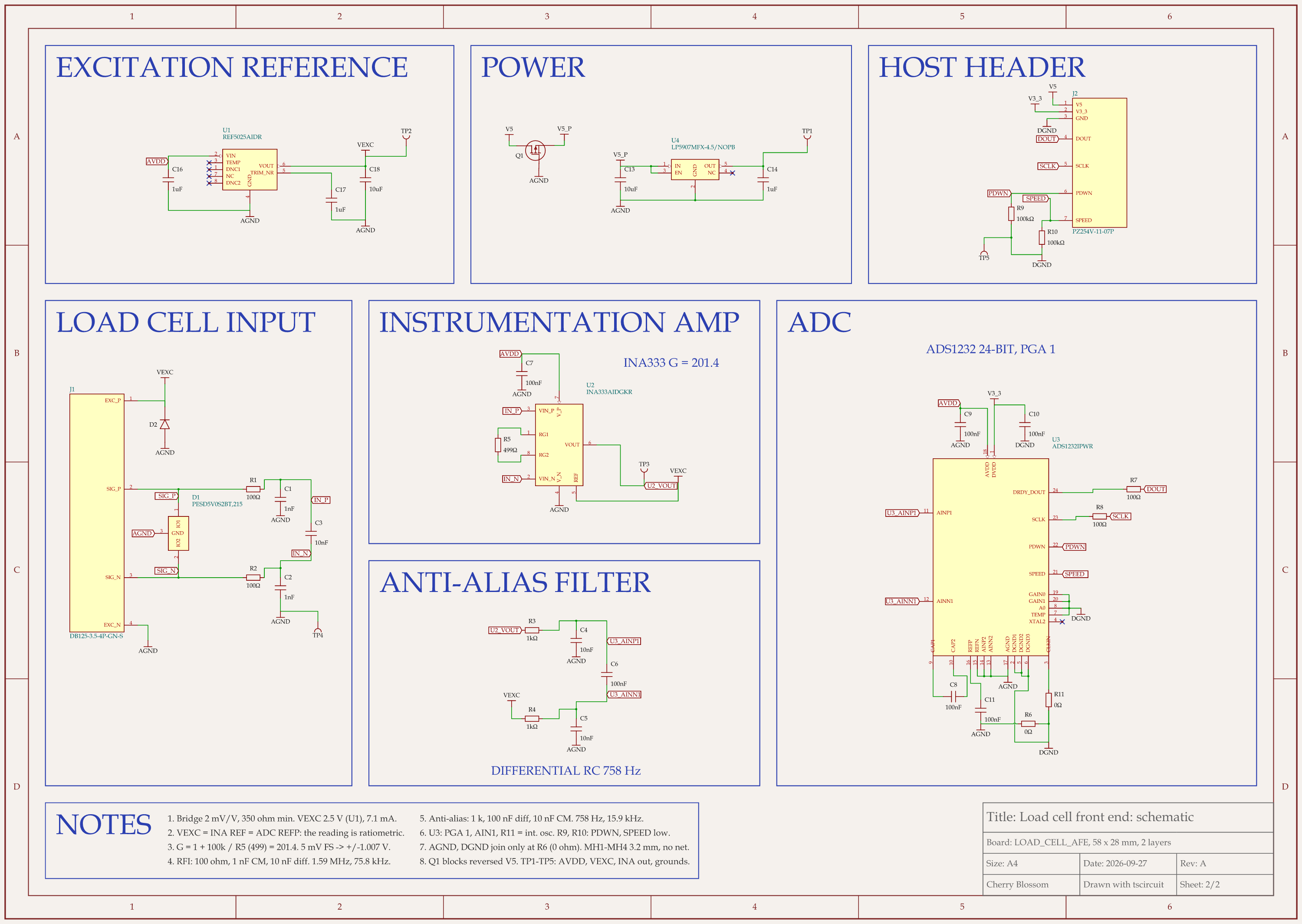
You describe the board in plain English and an AI agent writes it as code, builds it, and shows you the schematic, PCB layout, 3D view and BOM. Footprints come from real part data, and a verification gate checks the board before you can order it. Export Gerbers, an editable KiCad project, a BOM and pick-and-place files, or open Circuit JSON.
Platform
Browser, nothing to install
Pricing
The Free plan is the full editor, by hand, with no AI. Pro adds the AI for $20 a month, with 4M AI credits and 600 AI actions a day. Ultra is $140 a month with 32M credits and the frontier models. Usage past the allowance is $5 per 1M credits, only if you turn it on. There is no API key to connect and no per-seat licence.
2LTspice
Best for: Analog and power circuits, for free
Analog Devices describes it as a fast, free SPICE simulator with schematic capture and a waveform viewer. It includes macromodels for most ADI switching regulators, linear regulators and amplifiers, plus a general device library, and demo circuits for many ADI parts.
Platform
Windows and macOS
3KiCad (ngspice built in)
Best for: Simulating the same schematic you lay out
KiCad's schematic editor includes circuit simulation using ngspice, with a model editor per symbol and the option to exclude parts from simulation. You have no second schematic to keep in sync.
Platform
Inside KiCad's schematic editor
4ngspice
Best for: Scripting, automation and mixed-signal work
The open-source SPICE engine behind KiCad's simulator and others. It covers analog, event-driven digital and mixed-signal circuits and reads HSPICE libraries from foundry PDKs. Its site is clear that it has no schematic entry: input is a netlist, from the command line or a file.
Platform
Command line, or inside front ends such as KiCad and Qucs-S
Pricing
Free, modified BSD licence
5Qucs-S
Best for: Open-source RF and S-parameter simulation
A graphical front end that drives several simulation backends: ngspice (recommended), Xyce, QucsatorRF and SpiceOpus. With QucsatorRF or Xyce it adds S-parameter and harmonic balance analysis, plus models for microstrip lines and waveguides.
Platform
Linux, FreeBSD, Windows, macOS (Homebrew)
6NI Multisim
Best for: Teaching and university labs
NI describes it as SPICE simulation and circuit design for analog, digital and power electronics in education and research, with an interactive schematic. Multisim Live runs in the browser on any device, and the Circuit Design Suite pairs Multisim with Ultiboard for layout.
Platform
Desktop, plus Multisim Live in the browser
Pricing
Subscription or perpetual licence; editions for education and designers
7PSpice for TI
Best for: Designs built around TI analog and power parts
A free edition of Cadence PSpice from Texas Instruments, based on the OrCAD Capture framework, with a large model library for TI's analog and power portfolio. It is focused on TI devices.
8SIMetrix/SIMPLIS
Best for: Switching power supply design
Two simulators in one environment: SIMetrix for analog electronics and SIMPLIS for switching power circuits. The vendor stresses reliable convergence and professional support. SIMetrix/SIMPLIS Elements is a free version to try.
Pricing
Free Elements version; paid Classic, Pro and Elite tiers
9TINA-TI
Best for: Quick analog checks with TI models
A SPICE-based analog simulator from TI with DC, transient and frequency-domain analysis. TI calls it a fully functional complimentary version of TINA that leaves out some features of the full product.
10Falstad Circuit Simulator
Best for: Learning how circuits behave, visually
A free JavaScript simulator that runs in the browser. Voltages are shown in colour and current as moving yellow dots, and switches can be clicked while it runs. It includes a library of example circuits and offline versions.
Platform
Browser, with offline versions
Limits to know. Cherry Blossom is an early beta. You change a board by asking the agent, not by dragging traces yourself, so fine manual layout happens after a KiCad export. It is not a circuit simulator, it has no real-time multi-user editing, and it is not built for high-speed or RF sign-off.