1KiCad
Best for: Anyone who wants a complete, unlimited PCB tool for free
Schematic capture, PCB layout with an interactive router, a SPICE simulator and a 3D viewer, all under GPL v3. Version 10.0.6 was released on August 29, 2026. Output includes Gerber and IPC-2581.
Platform
Windows, macOS, Linux
Pricing
Free and open source, no limits
2EasyEDA
Best for: Free design in the browser, ordered from JLCPCB
EasyEDA's pricing page promises its core features are free for everyone, with commercial use and unlimited projects. Free accounts get 0.5 GB of cloud storage; private libraries and more storage are paid. The Standard edition handles up to 300 devices or 1,000 pads; Pro handles far larger designs.
Platform
Browser, plus a desktop client
Pricing
Free core; Premium $19.9/month billed yearly, as listed on EasyEDA's pricing page, September 2026
3LibrePCB
Best for: Beginners who want open source without KiCad's size
A GPLv3 schematic and PCB suite described by its makers as free with no costs or restrictions. It is built around an organised library system and a human-readable file format that suits version control, and it works fully offline. Version 2.1.1 came out in June 2026.
Platform
Windows, macOS, Linux
Pricing
Free and open source
4CircuitMaker
Best for: Makers who want Altium-style tools for free
Altium's free community tool, built on Altium Designer technology. Its site says there is no commercial restriction. It supports 16 signal plus 16 plane layers and includes a topological autorouter and Gerber, NC drill and ODB++ output. Projects can be shared with the community or kept private.
Platform
Desktop, with Altium 365 for collaboration
5Flux (Explore plan)
Best for: A free manual editor in the browser
Flux's Explore plan lists unlimited use of its manual editor, but its FAQ says that after the 14-day trial, editing private projects, exporting and using the AI need a paid plan. In practice the free plan suits public projects, and anything you want to keep private or export is paid.
Pricing
Free Explore plan; AI usage on paid plans
6Autodesk Fusion for personal use
Best for: Hobbyists who also design enclosures in Fusion
The free route Autodesk now offers former EAGLE Free users. Autodesk's help article restricts it to home-based, non-commercial projects and lists electronics caps of two schematic sheets, two layers and a limited board area. Check Autodesk's current terms before planning a bigger board.
Platform
Desktop, with cloud storage
Pricing
Free for non-commercial personal use; paid subscription otherwise
7DipTrace Freeware
Best for: Small non-profit boards in a traditional desktop tool
All features and libraries, capped at 300 pins and 2 signal layers, for non-profit use only. The same install becomes a paid edition with a registration key if you outgrow it.
Pricing
Free for non-profit use; paid editions are one-time purchases
8Horizon EDA
Best for: Linux users who like a clean, modern codebase
A free and open source PCB package built around a shared pool of parts, with schematic capture, layout, 3D preview and manufacturing export. It is smaller and less known than KiCad.
Pricing
Free and open source
9Cherry BlossomOur product
Best for: The one worth paying for: a checked board from a sentence
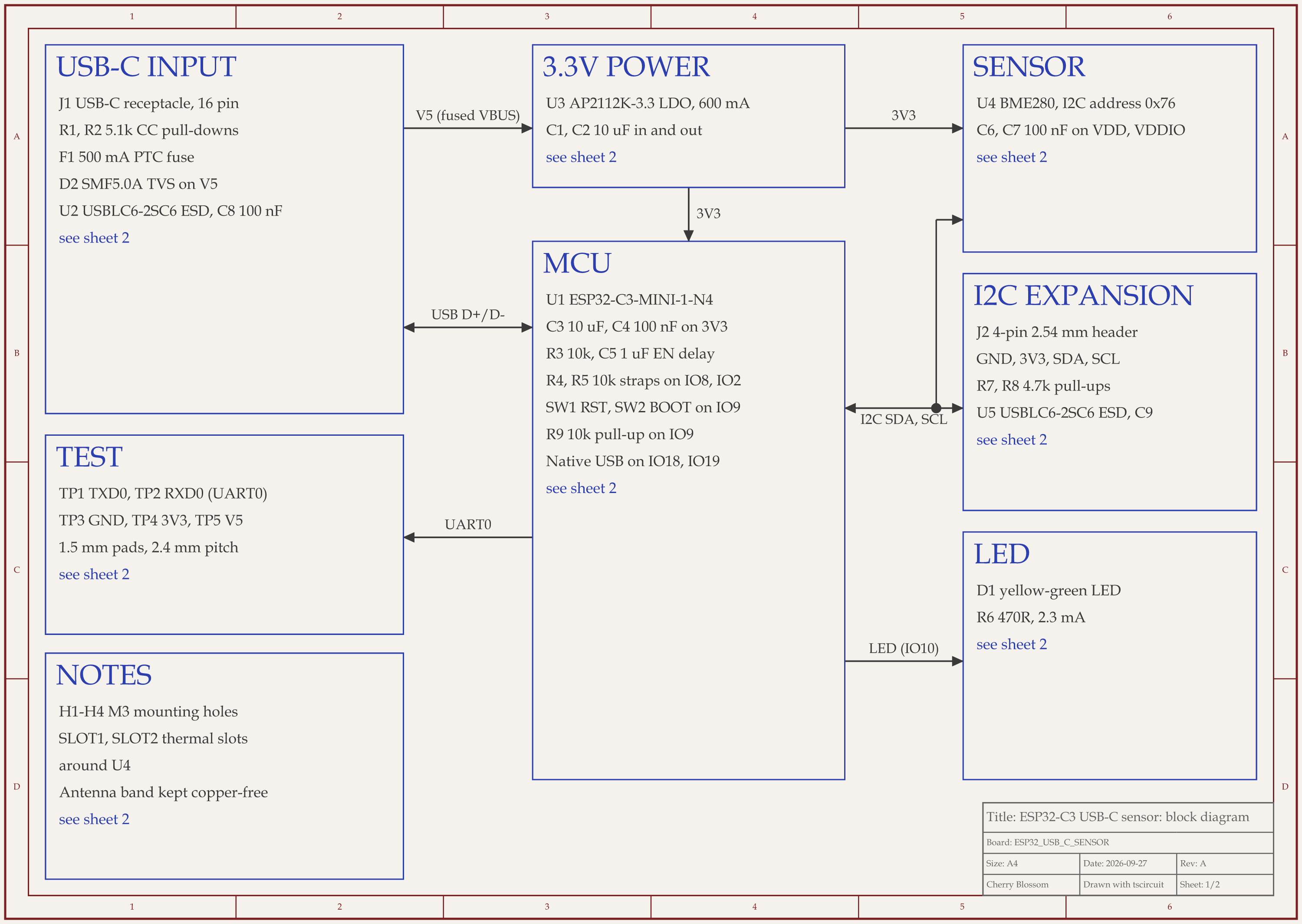
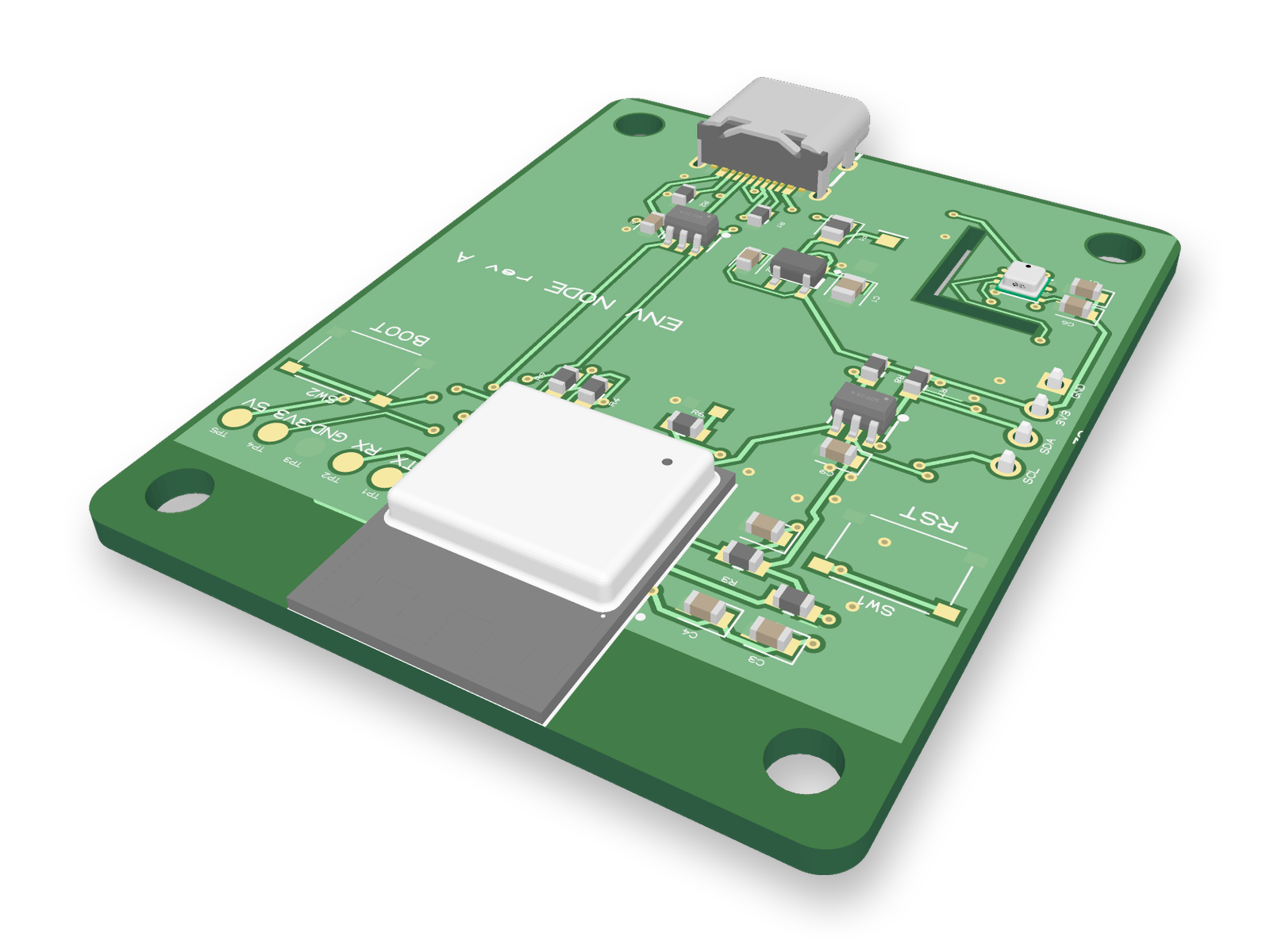
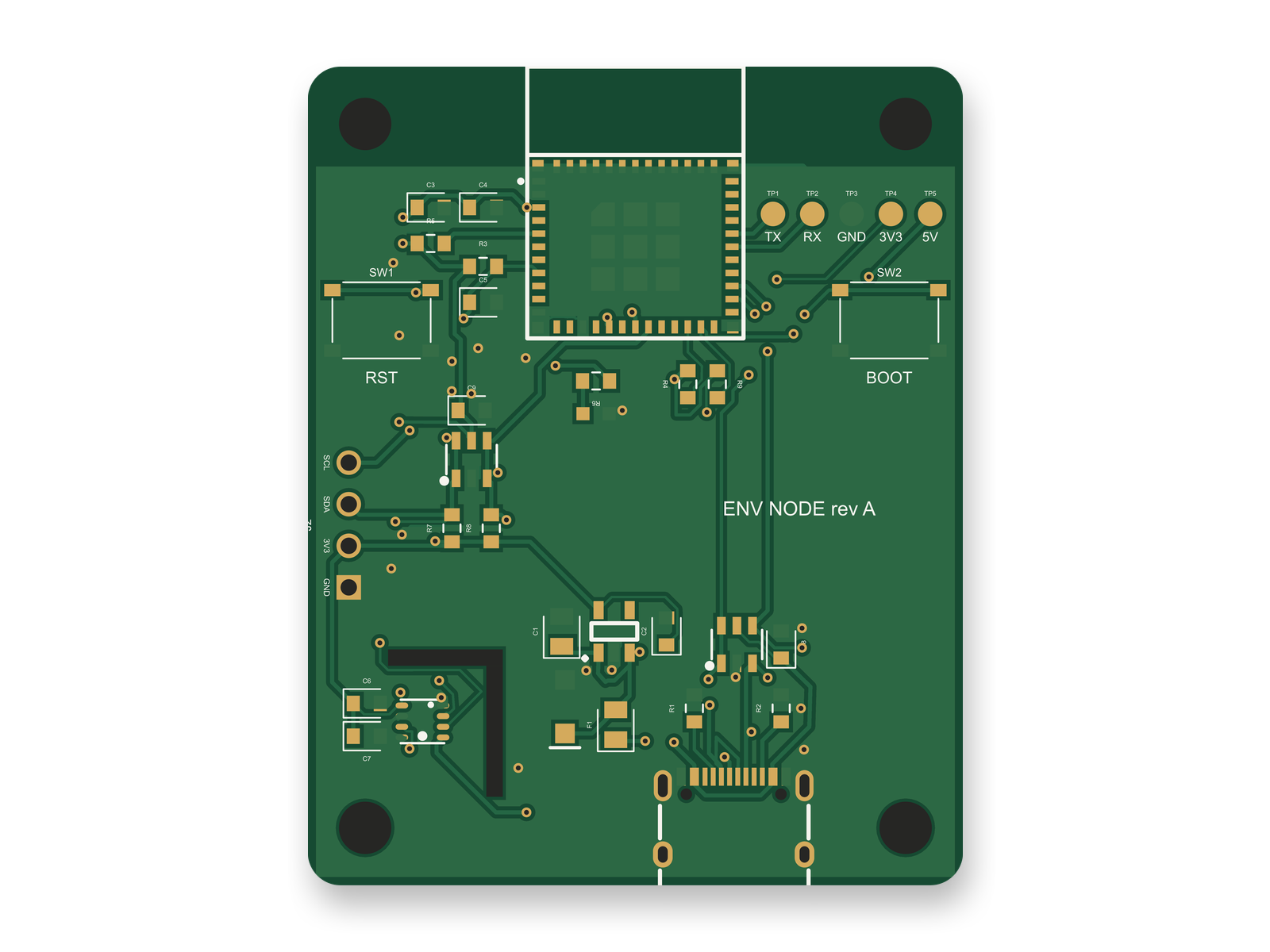
You describe the board in plain English and an AI agent writes it as code, builds it, and shows you the schematic, PCB layout, 3D view and BOM. Footprints come from real part data, and a verification gate checks the board before you can order it. Export Gerbers, an editable KiCad project, a BOM and pick-and-place files, or open Circuit JSON.
Platform
Browser, nothing to install
Pricing
Pro is $20 a month with 4M AI credits and 600 AI actions a day. Ultra is $140 a month with 32M credits and the frontier models. Usage past the allowance is $5 per 1M credits, only if you turn it on. The AI is included, with no API key and no per-seat licence.